What is a dieline and how to check yours before you print
A dieline is the flat, full-size drawing of your box before it is folded: cut lines, crease lines, glue flap, bleed and safe area, all on one sheet. Your artwork sits on it. We send one with the quote, usually within one business day of a complete brief, and our free dieline library has the standard styles to download, and checking it against the product is the best way to avoid a reprint.
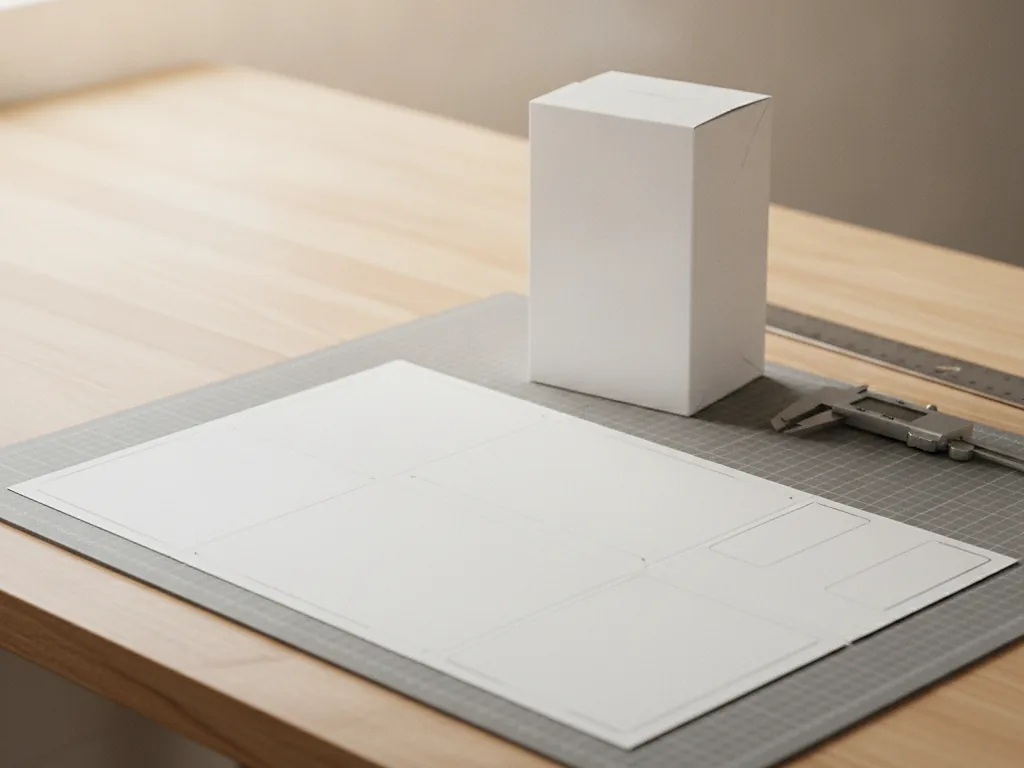
What the lines mean
A dieline is drawn in vector, usually in Illustrator, at 100 percent scale. The outer solid line is the cut. The dashed lines are creases, where the board folds. A second solid line outside the cut, usually an eighth of an inch out, is the bleed, and any color that runs to the edge of the box has to extend to it. A line inside the cut, also an eighth of an inch, is the safe area, and no text or logo should cross it. The glue flap is marked and should stay unprinted, because ink stops glue from holding.
The lines are set on their own layer, in a spot color that does not print, so the dieline can sit over your artwork without appearing on the box. When we send a dieline we also send the panel names, so the front panel is called the front and you do not put the ingredients list on the lid by mistake.
What each line is for
| Line | Usually drawn as | What it does | Your artwork should |
|---|---|---|---|
| Cut | Solid | Where the die cuts the board | Stop nothing here, bleed past it |
| Crease | Dashed | Where the board folds | Avoid fine text across it |
| Bleed | Solid, 0.125 in outside cut | Allows for cutting drift | Extend all edge color to it |
| Safe area | Solid, 0.125 in inside cut | Keeps content clear of the trim | Keep text and logos inside it |
| Glue flap | Hatched | Where the carton is glued | Leave it white |
| Perforation | Dotted | Tear strip or pull tab | Avoid a logo across it |
Checking the structure
Print the dieline at 100 percent on plain paper, cut it out with scissors and fold it. It takes ten minutes and it catches most of what a screen does not. Check that the product fits with the clearance you asked for. Check that the panel you think of as the front is the one that faces out when the carton stands. Check that the tuck flap goes in the direction you want, because a straight tuck end has both flaps tucking the same way and a reverse tuck has them opposite, and it changes which side the customer opens.
Check the dust flaps on a tuck end carton: they should be about a third of the carton's depth, no more, or they collide. On a mailer, check that the side tabs lock and that the lid closes flat with the product inside. On a sleeve and tray, check the sleeve clears the tray by about a sixteenth. If the paper mock-up will not close with the product in it, the board will not either, and that is the moment to change a dimension, not after 250 cartons are cut.
An illustrative example: a serum carton
Illustrative example, not a client order.
Take a 50 ml serum in a 2 inch square bottle, 4.5 inches tall to the top of the dropper. The carton is a serum dropper carton, a straight tuck end at 2.25 by 2.25 by 5 inches inside, on 18pt SBS. Flat, the dieline is four side panels of 2.25 inches each plus a 0.5 inch glue flap, so 9.5 inches across, and 5 inches of body plus a 2.25 inch top and bottom panel and a 0.75 inch tuck flap on each, so 11 inches tall. If the artwork has the ingredients list running 0.05 inches from the edge of the back panel, it is outside the safe area, and we would move it inside on the proof.
Now say the logo should be centered on the front. Centered on the panel, that is, not centered on the dieline, which is a different point once you account for the glue flap. It is an easy mistake to make and the easiest one to miss on screen, because on a flat artboard the whole sheet looks like one surface. Fold the paper mock-up and the offset shows immediately.
Checking the artwork on it
Artwork should be supplied as a PDF with the dieline on its own layer, fonts outlined or embedded, images at 300 dpi at final size, and colors in CMYK or named Pantone. Rich black for large solid areas, not 100 percent K alone, which prints gray. Anything that crosses a crease should be a solid color or a pattern, because a photograph or fine type will break slightly at the fold. White areas that must stay white on kraft need a white underprint layer marked as such.
Then look at the proof we send back, which is your artwork imposed on the dieline. Read every panel as if you are the customer. Check the barcode is on a flat panel and has quiet space around it. Check the net contents and any required text are inside the safe area. If it looks right on the folded paper mock-up and on the proof, it will look right on the box.
Questions people ask
Can you make the dieline from my product dimensions?
Yes, that is the normal route. Send inside dimensions in inches, or the product itself, and the style you want. We draw the dieline and send it as a PDF and an Illustrator file, usually within one business day of a complete brief, and you place your artwork on it or send us the artwork to place.
What if I already have a dieline from another job?
Send it. We check it against the board and tooling for your job, since a dieline drawn for a different board will not fold the same on ours and the crease allowances differ. If it works we use it, and if it needs adjusting we redraw it and tell you what changed.
Why does the glue flap have to stay white?
Because glue bonds to fiber, not to ink or coating. A printed or laminated glue flap can open in transit. We mark the flap on the dieline and knock the artwork out of it automatically on the proof, so you only need to leave it alone.